AI YouTube Thumbnail Generator
Create scroll-stopping thumbnails in seconds—completely free
Generate professional YouTube thumbnails that boost CTR by 2-3x. Upload your video screenshot and get multiple design variations in tutorial, tech, mystery, breaking news, and shock styles—all optimized for maximum clicks.
Easy Thumbnail Templates You Can Use Instantly
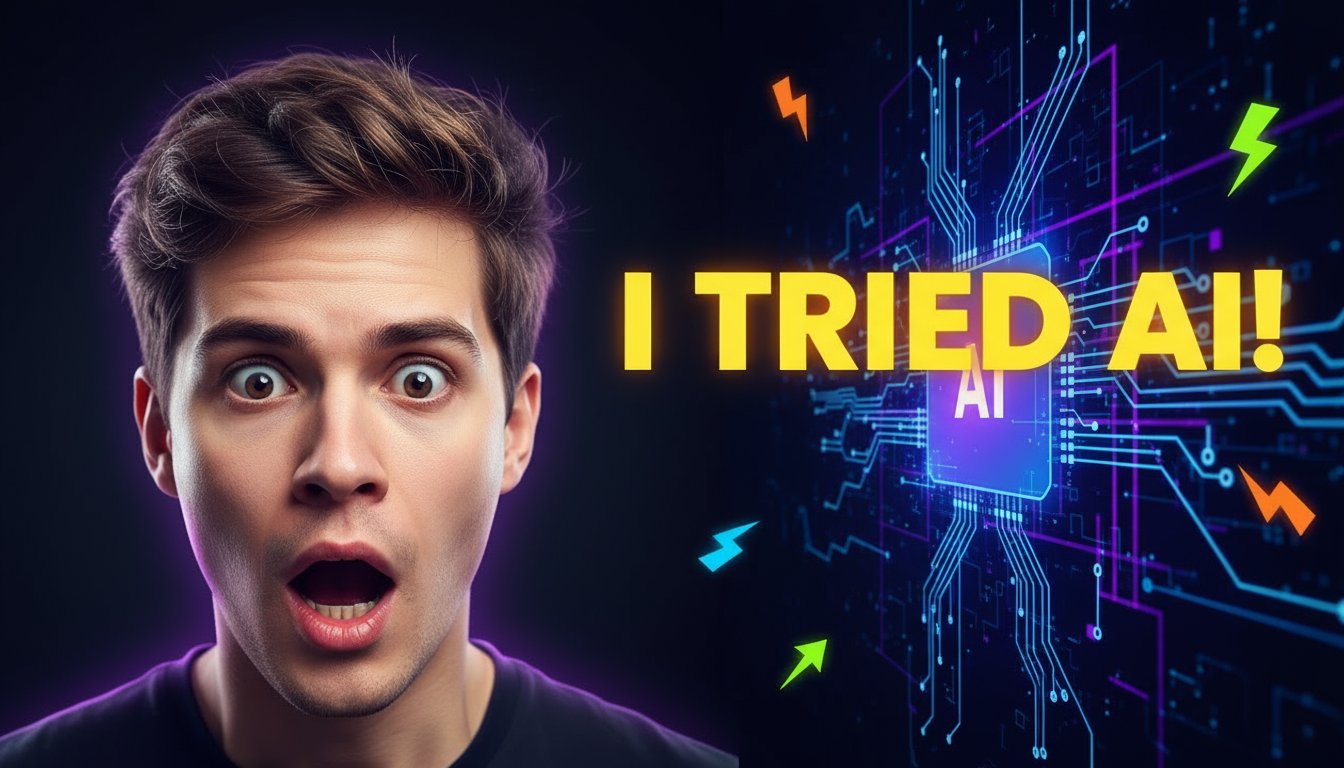
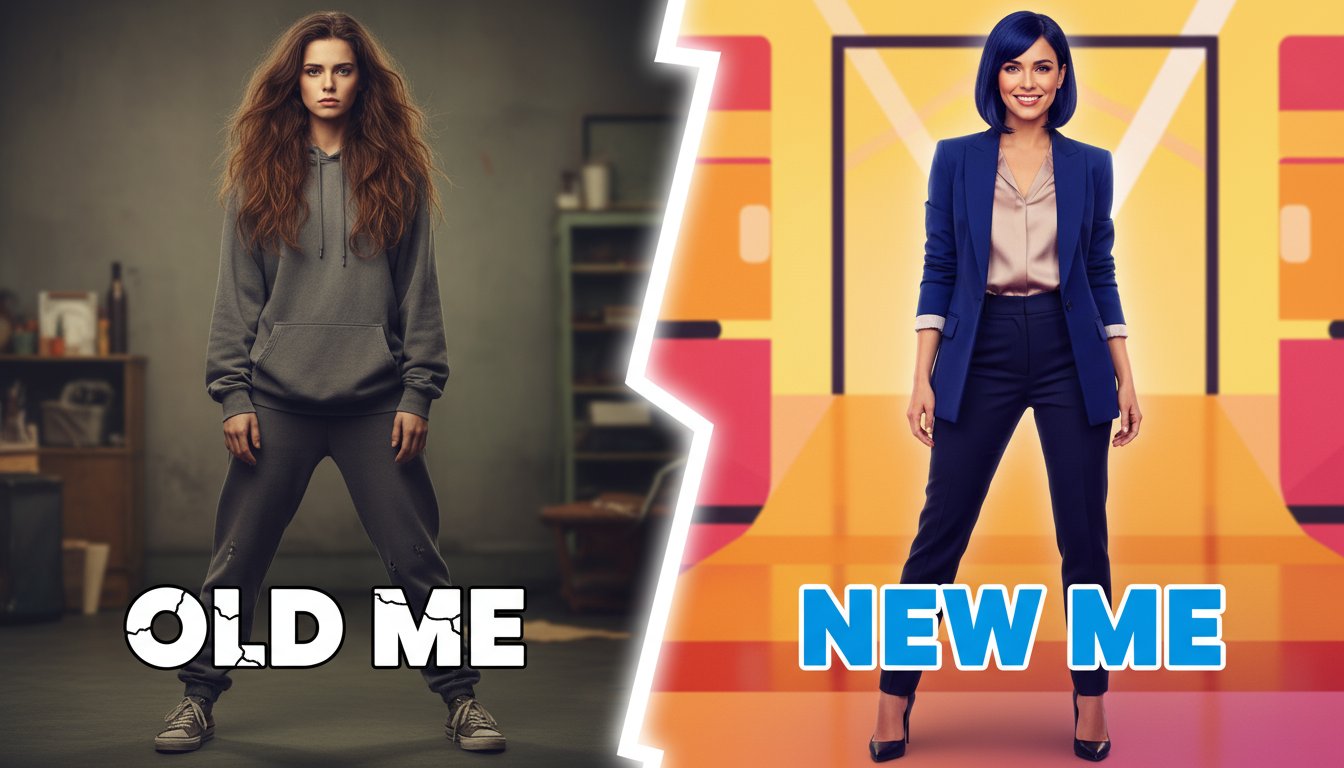
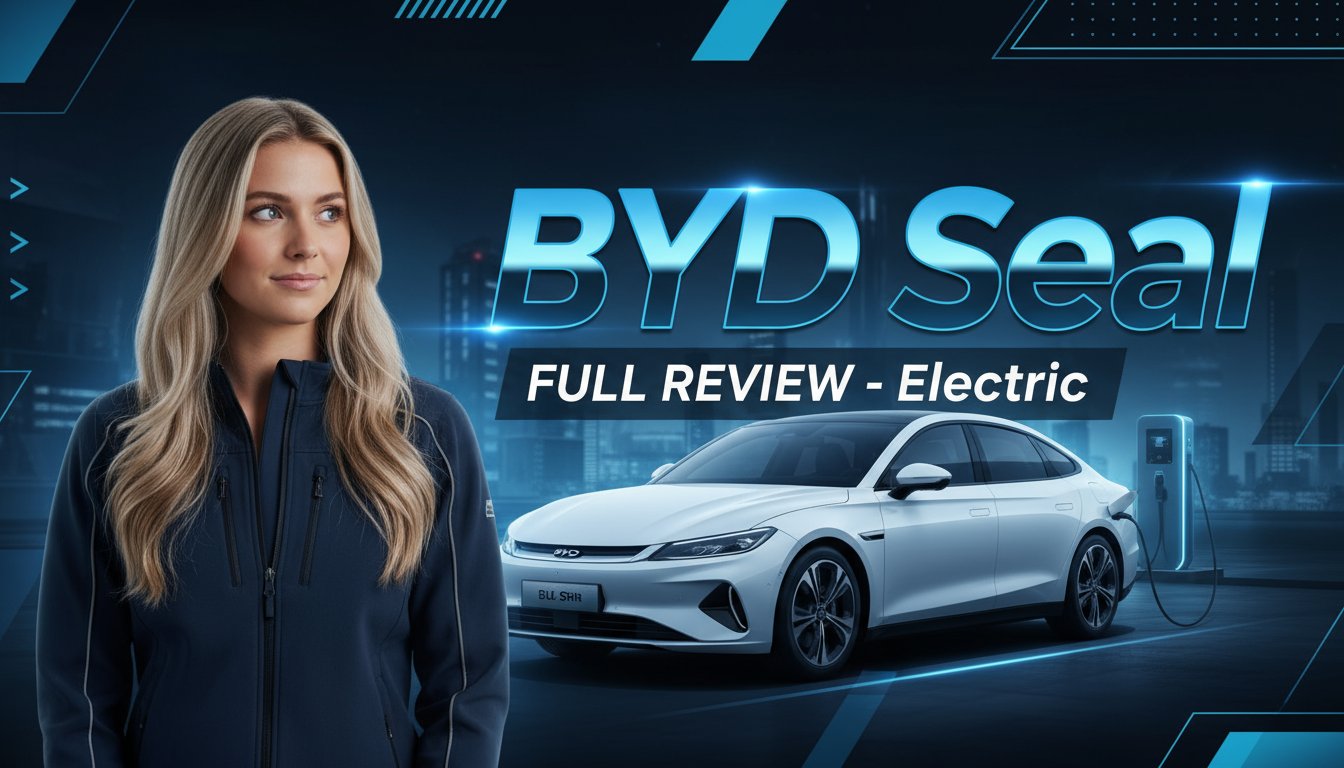

Professional Thumbnail Creator Built for YouTube Success
Everything you need to create eye-catching thumbnails that drive clicks
Smart AI Analysis
Upload your video screenshot and AI automatically detects faces, identifies key subjects, and composes high-CTR designs. High-contrast colors, bold typography, and face emphasis proven to boost click-through rates by 2-3x.
Mobile-Optimized Output
70% of YouTube views happen on mobile. Generate perfect 1280×720 thumbnails with text that stays readable even on tiny phone screens. No expensive design software needed—completely free.
Brand Consistency
Lock in your channel colors, fonts, and layout style once. Every thumbnail you generate will automatically match your brand identity—no manual adjustments needed.
Instant Variations
Generate 5-10 different thumbnail designs in seconds. No design skills required—just upload your screenshot and let AI handle composition, text placement, and color optimization.
Built for A/B Testing
Create multiple design variations to split-test on your channel. Track which thumbnail style drives the highest CTR and impressions, then replicate that winning formula across future videos.
Attention-Grabbing Text
AI places high-contrast text overlays in safe zones automatically. Perfect for 'HOW TO', 'SHOCKING', and 'NEW' callouts that grab attention in YouTube search results and suggested videos.
Create Professional Thumbnails in 3 Simple Steps
From video screenshot to scroll-stopping thumbnail in under 60 seconds
Upload Your Screenshot
Drag in a video frame or face shot from your content. AI instantly analyzes faces, key subjects, and background elements to understand what should be emphasized in your thumbnail design.
Choose Your Style
Select from Tutorial, Tech Breakthrough, Facts, Mystery, Breaking News, or Ultimate Shock templates. Each style is pre-optimized for different content types and proven CTR patterns.
Generate & Download
Add your text hook ('HOW TO...', 'SHOCKING!', 'NEW METHOD') and AI handles optimal placement. Download your perfect 1280×720 PNG thumbnail ready for upload—completely free, no watermarks.
Built for YouTubers, Video Marketers & Content Creators
Every niche needs high-CTR thumbnails. Generate yours in seconds.
Gaming Channels
Educational Videos
Entertainment & Vlogs
Fitness & Health
Cooking Tutorials
Beauty & Fashion
Tech Reviews
Music & Artists
YouTube Thumbnail Generator - Frequently Asked Questions
Absolutely! AI thumbnail generators analyze your video screenshots, detect faces and key subjects, then automatically create professional designs using proven CTR tactics like high-contrast colors, bold typography, and rule of thirds composition. No design experience needed.
Upload a screenshot from your video, choose a style template (Tutorial, Tech, Mystery, etc.), and add your text hook. AI handles the composition, color optimization, and text placement automatically. Download your 1280×720 PNG ready for upload—completely free, no watermarks.
Look for a thumbnail creator that offers AI-powered design, mobile optimization, and no watermarks. The best free options let you generate unlimited thumbnails, provide multiple style templates, and export in YouTube's recommended 1280×720 format without requiring design skills or subscriptions.
Start by uploading a frame from your video—this could be a face shot, action moment, or key visual. Select a style template that matches your content type (tutorial, tech review, entertainment, etc.). The AI analyzes your image, optimizes composition, and generates multiple design variations. Add your text hook and download instantly.
Yes! Upload any screenshot from your video and the AI thumbnail maker analyzes it—detecting faces, identifying key subjects, and determining optimal composition. It then generates multiple CTR-optimized designs automatically, applying professional design principles like contrast, emphasis, and safe text zones.
Yes! Create unlimited thumbnails at no cost. No subscription fees, no watermarks, no credit card required. This free thumbnail creator for YouTube is perfect for new creators, small channels, or anyone who wants professional results without expensive design software like Photoshop or subscriptions to Canva Pro.
AI thumbnail generators are faster and require zero design skills—just upload and generate in seconds. Canva offers more manual control but requires template hunting, drag-and-drop positioning, and design knowledge. If you need speed and consistency across many videos, AI is ideal. If you want pixel-perfect custom designs, Canva works better.
You create the thumbnail file using this AI generator, then upload it to YouTube Studio. Generate your design here, download the 1280×720 PNG file, then go to YouTube Studio → Videos → select your video → Thumbnail section → Upload custom thumbnail. Your AI-generated design will replace the auto-generated options.
Yes! All thumbnails you create are yours to use commercially—for monetized YouTube channels, client work, or business videos. There are no licensing restrictions, watermarks, or attribution requirements. Generate as many thumbnails as you need for your channel or clients.
A quality thumbnail creator should: automatically detect and emphasize faces, offer mobile-optimized text placement, generate designs in YouTube's recommended 16:9 format (1280×720), provide style variety for different content types, allow A/B testing with multiple variations, and maintain your brand consistency across videos.
Generate professional thumbnails in under 60 seconds. Upload your screenshot (5 seconds), select a style template (5 seconds), add your text (10 seconds), and the AI generates multiple variations instantly (30-40 seconds). Much faster than the 20-30 minutes required for manual design in Photoshop or Canva.
Yes! Generate 5-10 variations with different text hooks, color schemes, or composition styles. Upload your video with one thumbnail, then use YouTube Studio's built-in A/B testing or manually swap thumbnails weekly to track which design drives the highest CTR and impressions for your specific audience.